I can see this being used for not only a check for understanding or an exit ticket but also as a way to have kids to surveys. You can create 4 potential topics and ask the kids to vote. It's simple. I like how fast the responses come back to you and how easy it is to use. I would recommend giving it a shot. It's a great tool for the classroom.
Friday, November 18, 2016
Quick assessments using Plickers
I can see this being used for not only a check for understanding or an exit ticket but also as a way to have kids to surveys. You can create 4 potential topics and ask the kids to vote. It's simple. I like how fast the responses come back to you and how easy it is to use. I would recommend giving it a shot. It's a great tool for the classroom.
Friday, November 4, 2016
Making digital worksheets with Edueto
I have started to dabble a bit in digital worksheets as ways to assess my students. I have been trying to come up with some different ways to do things. I noticed on the AASL Best Websites of 2016, a link for a free digital worksheet site called Edueto. I checked it out to see if it was something I would use and I believe it is.
The site has a library of publicly shared worksheets that are sorted by content, age, country and grade. If you find one you like, you can copy it to your personal worksheet collection. You can also make your own worksheets fairly easily. There are many options available for the worksheets you make, including math equations and fill in the blank. Even foreign language accents are available. There is a capability of making a class list and assigning work to the students and classes.
I felt this was a fairly easy site to use and I think it will make some of my daily work a little easier.
Friday, October 21, 2016
Using Wizer.me for Digital Worksheets
I work in a school corporation that uses Canvas by Instructure as our learning management system. I have been trying to find some different ways to create assignments that aren't the same ole same ole. I was told by a colleague about a free worksheet generator site called Wizer.me. I decided to investigate and see if it worked for me and my students. I would have to say, it is easy to use and meets my expectations.
First of all, it was very easy to create a free account. I was able to use my google plus account to create it and link it directly to my school email. The kids can also do that since we are a google school so the platform is more private and only linked to their school email and not personal emails.
I found the format of the site very similar to Smore, which is a newsletter creation site. This site was set up very similar to Smore, just as easy to use. I noticed there is an autograde option as well. I love that. If you are doing a multiple choice, matching or true false test, you can select this option and it will auto grade for you as soon as the kids are done with the assignment. What a time saver! That alone makes it worth it for me.
The program does offer several tutorials to explain how to use it. I found it very simple. You can embed the worksheet into your LMS and the kids can do everything right there, directly in the LMS and not on an external site. I love that capability. When the kids go there the first time, they do have to link their account to their gmail, or make a personal account. We are a google school so they linked via Google+ and it took them right to the worksheet.
I think this is a very easy site to use and once a worksheet is made, it can save a lot of time later.
First of all, it was very easy to create a free account. I was able to use my google plus account to create it and link it directly to my school email. The kids can also do that since we are a google school so the platform is more private and only linked to their school email and not personal emails.
I found the format of the site very similar to Smore, which is a newsletter creation site. This site was set up very similar to Smore, just as easy to use. I noticed there is an autograde option as well. I love that. If you are doing a multiple choice, matching or true false test, you can select this option and it will auto grade for you as soon as the kids are done with the assignment. What a time saver! That alone makes it worth it for me.
The program does offer several tutorials to explain how to use it. I found it very simple. You can embed the worksheet into your LMS and the kids can do everything right there, directly in the LMS and not on an external site. I love that capability. When the kids go there the first time, they do have to link their account to their gmail, or make a personal account. We are a google school so they linked via Google+ and it took them right to the worksheet.
I think this is a very easy site to use and once a worksheet is made, it can save a lot of time later.
Friday, October 7, 2016
Using Aviary for class
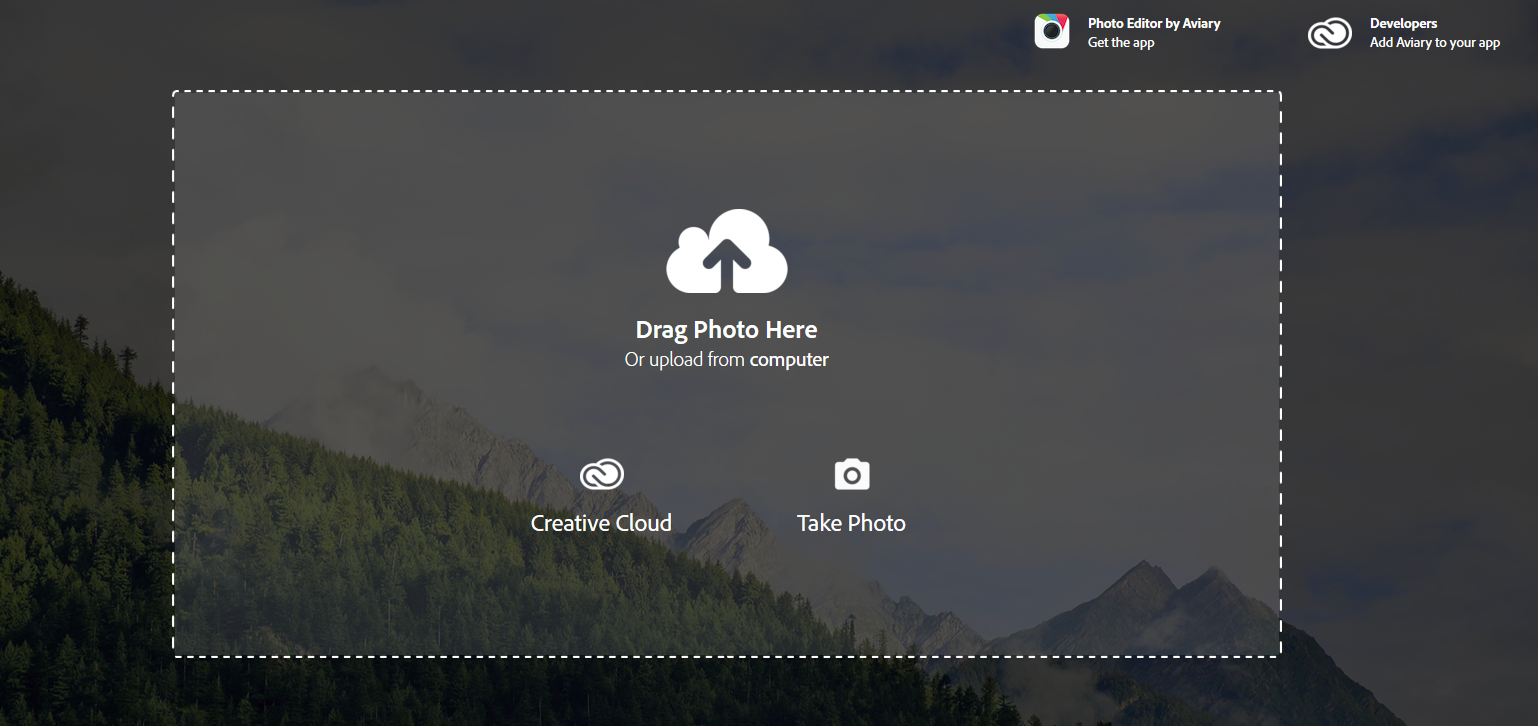
There are so many times in our teaching where we need to work with photos. Sometimes, we need to edit those photos to make them meet our purpose. Aviary is a great way to do that without spending money on expensive photo editing software.
Aviary allows the user to upload an image and pull it into a graphic window to do all sorts of different things, such as filters, fades, specific focal points, and even memes. It's very easy to use.
Being a foreign language teacher, I envision using Aviary as a tool in my classroom. I can see students writing memes in the target language and submitting them as an assignment or an exit slip. It's a different way to present something learned to the teacher or even to classmates.
I think it could help with prompting as well. Wouldn't it be interesting to have a photo edited in Aviary available in black and white and ask the kids to write a description about the colors and what the image would look like in color? Aviary allows for that to happen with the numerous filters.
I found this site to be very simple to use and I was able to get around it without a lot of need for help. I understood what I was doing.
It's worth a shot, and since it's free, it's even a little better.
Aviary allows the user to upload an image and pull it into a graphic window to do all sorts of different things, such as filters, fades, specific focal points, and even memes. It's very easy to use.
Being a foreign language teacher, I envision using Aviary as a tool in my classroom. I can see students writing memes in the target language and submitting them as an assignment or an exit slip. It's a different way to present something learned to the teacher or even to classmates.
I think it could help with prompting as well. Wouldn't it be interesting to have a photo edited in Aviary available in black and white and ask the kids to write a description about the colors and what the image would look like in color? Aviary allows for that to happen with the numerous filters.
I found this site to be very simple to use and I was able to get around it without a lot of need for help. I understood what I was doing.
It's worth a shot, and since it's free, it's even a little better.
Subscribe to:
Posts (Atom)